CORE FEATURES ARE FREE
- Compare files and folders
- Edit selected changes in two-way comparison
- Work through a three-way merge
CORE FEATURES ARE FREE
Looking for a WinMerge-style comparison workflow on Mac? MergeDock is an independent native macOS app. Start with free core file comparison, two-way editing and three-way merge; Pro adds optional features through a one-time purchase.
Core features are free to use. Pro is an optional one-time upgrade. Requires macOS 26 or later.
WinMerge
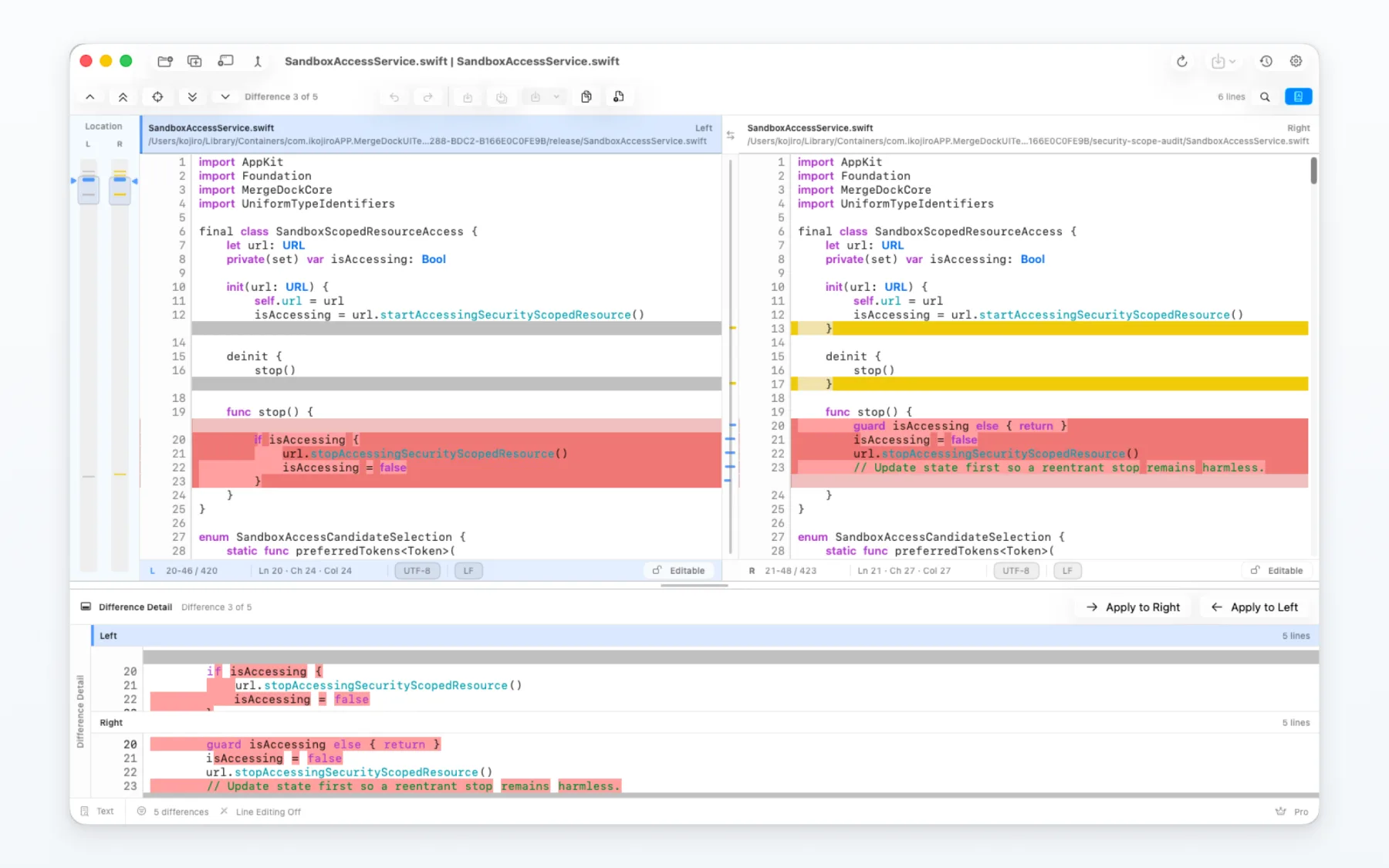
WinMerge is a free, open-source Windows tool with text, folder and image comparison. MergeDock is a separate macOS app: file and folder comparison, two-way editing and three-way text merge are free. The main choice is the operating system and the specific features you use, not simply free versus paid.
Basic file and folder comparison, two-way editing and three-way merge are free to use. A comparison only shows the differences until you choose a change or save a result.
Folder Sync preview is free. Pro unlocks execution of the sync plan and advanced image views.
| Comparison point | WinMerge | MergeDock |
|---|---|---|
| Supported OS | Windows. | macOS 26 or later. |
| Text comparison and merge | Two- and three-way comparison, text editing and merging. | Two-way editing and three-way text merge are free. |
| Folder comparison | Recursive folder comparison and copying between folders. | Comparison and selected-item copying are free. Running Folder Sync requires Pro. |
| Image comparison | Image comparison, overlays and highlighted differences. | Side-by-side is free. Overlay, slider, blink and difference views require Pro. |
| License and payment | Free and open source under the GNU GPL. | Free core features, with an optional one-time Pro in-app purchase. |
Official sources WinMerge: Features · WinMerge: Folder comparison manual · WinMerge: LicensingInformation checked on 2026-09-27.
MergeDock is an independent product. It is not affiliated with, endorsed by, or an official port of WinMerge.
MergeDock may fit when you want a native Mac workspace for local file or folder comparison, while keeping core comparison and merge work free.
No. MergeDock is an independent macOS app, not a Mac edition or official port of WinMerge. Windows-specific settings and extensions do not transfer automatically.
Basic file and folder comparison, two-way editing and three-way merge are free. Additional features, including running Folder Sync and advanced image comparison, require Pro.
Running Folder Sync and advanced image comparison require Pro. Pro is an optional one-time in-app upgrade; check the in-app purchase screen for current pricing in your region.