1. Difftool and mergetool have different jobs
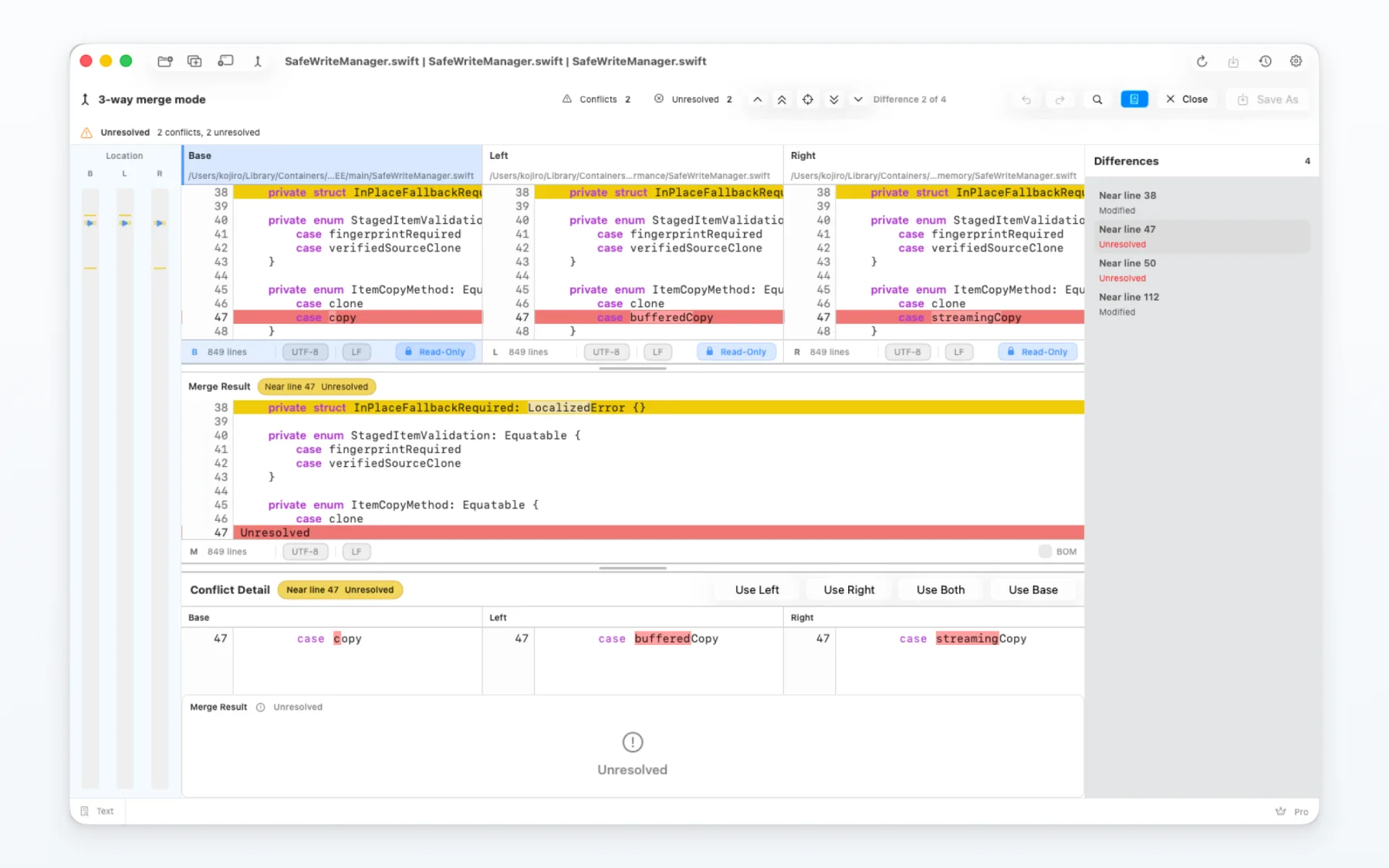
A difftool is for reviewing differences. A mergetool is for resolving a conflict and saving the resolved output.
2. Know the three-way roles
- BASE
- BASE is the common starting point.
- LOCAL
- LOCAL is the version from your current branch.
- REMOTE
- REMOTE is the version from the other branch or source.
- MERGED
- MERGED is the resolved file that you save.
3. Review before resolving
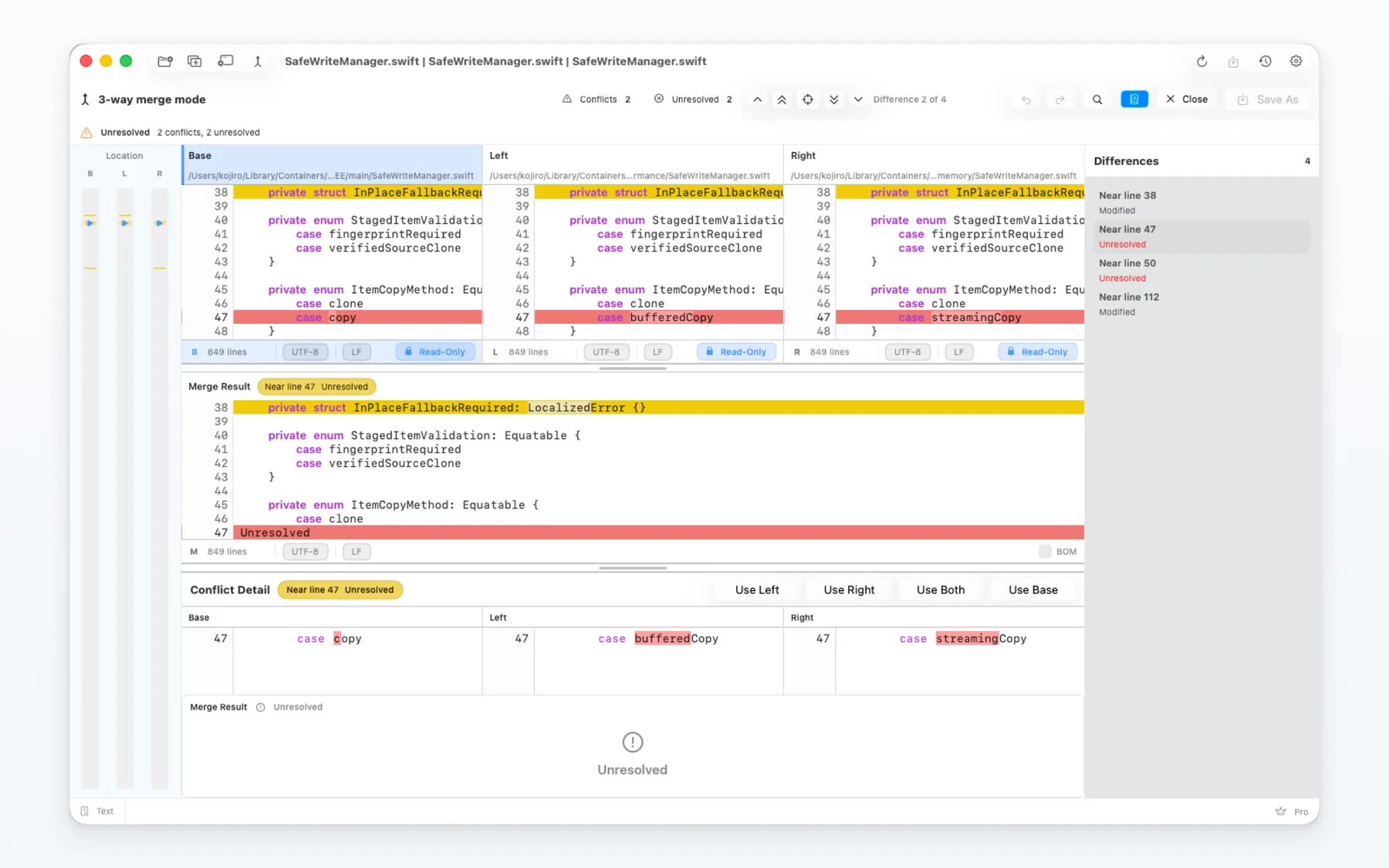
Confirm the repository, file paths and input roles before choosing a resolution.
A side-by-side view helps you compare each change with the surrounding context.
4. Save the resolved result
Choose one side, combine both sides or edit the result where the app allows it.
Save the result to MERGED, then check the repository state in Git separately.
5. CLI and configuration
Use only the Git command and configuration names shown in the installed app or its Help.
Do not treat MergeDock as a replacement for commits, branches or repository management.
6. Common checks
- If access is denied, grant macOS access to the selected files or folders.
- If a repository moved, open the current paths again before retrying.
- If a comparison starts with unexpected roles, stop and confirm the inputs before saving.
7. Choose the next workflow
For ordinary file changes, use the file comparison guide. For many files and planned copies, use the folder guide.